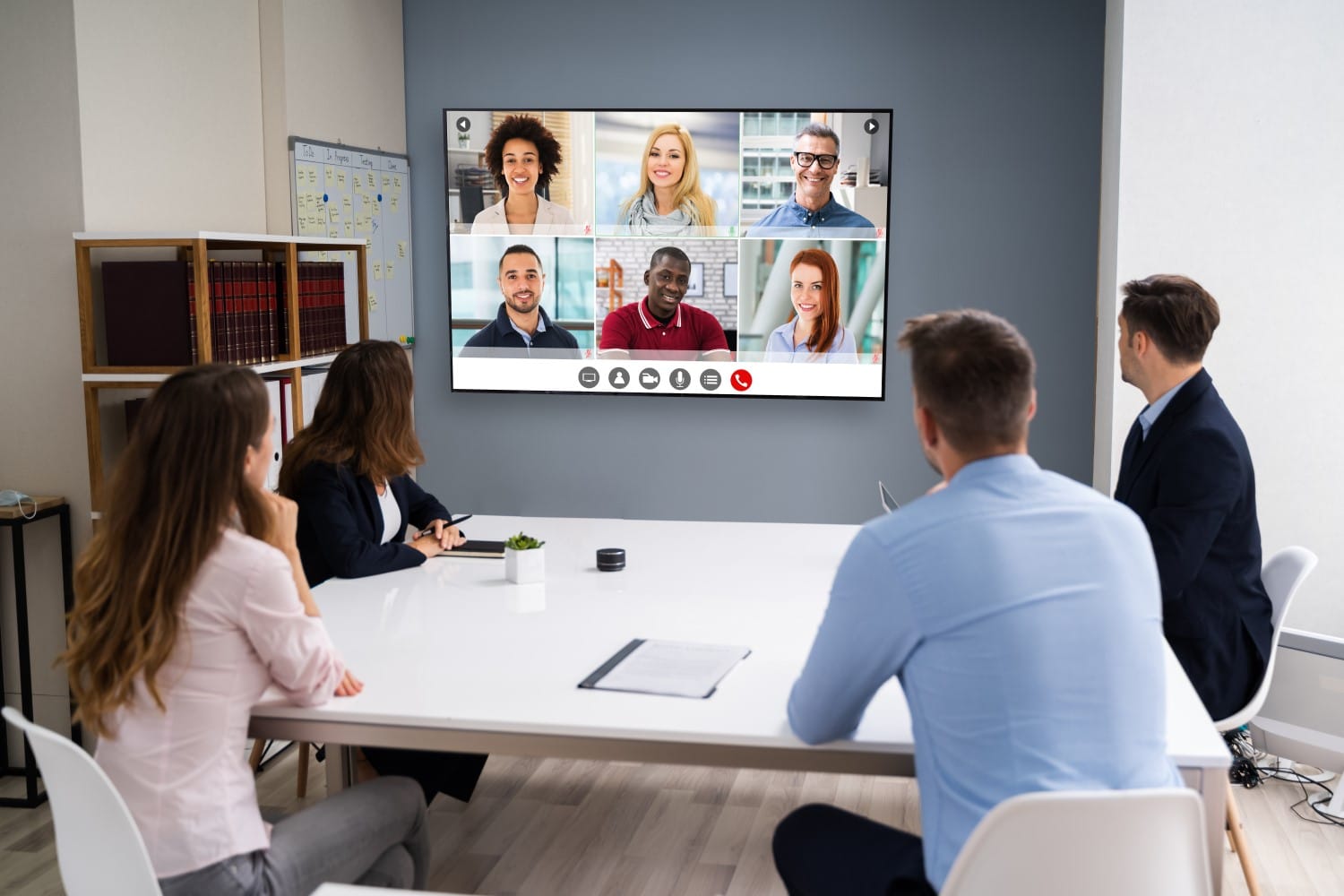

When we first talked about different ways of keeping online audiences engaged, we were deep into the Covid 19 pandemic and pretty much conducting all of our meetings online. Remember those days? We suffered from Team fatigue, experienced technical meltdowns, and spent hour upon hour staring at screens. But even back then we predicted that when things returned to some sort of normality, online presentations and virtual meetings would be here to stay. And we weren’t wrong.
Fast forward five years and the hybrid working model is now the new norm. Although most of us have returned to the office it’s usually for only two or three days a week, with the rest of our time spent working remotely. So, while we are back to in-person meetings for part of the week, there is still the need to regularly meet and chat with colleagues online via various video conferencing platforms.
And this isn’t only the case for internal communications. When meeting with a client, customer, or supplier that involves any length of travel, many of us opt for an online, rather than a face-to-face, meeting – even for high-stakes new business meetings. After all, meeting online saves time, money, and hassle.
However, just because online meetings are often the easier solution, it doesn’t mean that we shouldn’t bring our A-Game to these presentations and conversations. So, in this blog, we’re going to recap on how to create a great first (online) impression. Then we’ll cover a range of techniques for keeping an online audience tuned in. And finally, we’ll touch on a few online collaboration and productivity tools you can use.
1. How to create a great first impression

In theory, we should all be pros at this by now, but it’s easy to slip into bad habits, so let’s recap some of the basics.
- Lighting. Having the correct lighting for virtual presentations and meetings is key. And that means ensuring the light is coming from behind the screen to illuminate you. If you don’t have plenty of natural light directed at you, invest in a donut or detachable monitor lamp. You’ll be amazed at the difference good lighting makes to how professional you come across on screen!
- Camera position. You’d be surprised at how often we still see people hunched over their laptops, staring down at their screens. Providing a great view up their nose! To avoid this, you only need to raise your laptop on a few books or something similar so that your laptop camera is at eye level. This is critical for helping you appear as natural on screen as possible. Then, ensure the top of your head is just below the top of the frame as you look at yourself on screen. The bottom of the frame should sit slightly below your armpits. This position will ensure you maximise your personal presence on screen. It also allows you to use your hands and arms as key non-verbal communication tools.
- Focus yourself and help your audience focus. Don’t try to multi-task when you’re on a virtual call. Instead, you need to focus entirely on the meeting. So make sure all those annoying notifications are off (pings, dings, and dongs are off-putting and will break your and the audience’s concentration). And if you’re someone who can’t resist checking your phone every few seconds, put it out of sight.
- Don’t start with a slide.Almost all presentation title slides are boring beyond belief. So, don’t start with a slide. Start with you! Before sharing your screen, build rapport with your audience for a minute or two. You might also consider including an Attention Grab at the beginning of the meeting to hook your listeners and create a memorable start to your presentation.
Creating a great first impression really does matter. Research by Tricia Prickett and Professor Frank Bernieri shows that in most communication situations, speakers only have fifteen seconds to make a good first impression. And that’s when you are in the same room. When we’re meeting with people online, we probably have even less time. So, remembering to get the basics right, right from the start of any video call can be paramount.

2. Tips to keep an online audience tuned in

- The easiest way to keep any audience engaged is to make the meeting or presentation all about them. So when crafting your presentation, keep your audience top of mindby focusing on their needs and wants, what’s in it for them, what do you want them do as a result of your presentation, and what are the key benefits/takeaways for them?
- Be clear about the purpose of the meeting and the outcomes you want or need to achieve. This will help to keep the audience focused.
- And, absolutely imperative, when speaking or presenting online, is looking at the camera as much as possible, NOT at the images of the people on screen or your slides. This is the only way you can make that all-important eye connection with your audience, which will, in turn, keep them engaged.
- Remember to be mindful of your body language. Your audience can’t pick up on all the usual non-verbal cues that they can during face-to-face communications, but they will spot a raised eyebrow or a roll of the eye. So keep your face neutral other than nodding in affirmation and smiling when appropriate.
- Speaking of body language, think about how you can use gestures – sparingly and within your camera frame – to add impact, energy, and emphasis to key points.
- Importantly, identify ways to involve your audience during the presentation. The more you do so, the more you will keep your listeners’ attention. This could be via scheduled Q&A sessions or by including Passive, Participative, and Pointed Audience Involvement throughout the meeting or presentation. Either way, let your audience know at the start of the meeting, as no one likes to be surprised or put on the spot. Having plenty of audience involvement will make your presentations more natural, conversational, and engaging.
- Linked to the point above, be sure to verbally acknowledge your audience’s contribution, as it’s harder for them to pick up non-verbal cues from you. The more interest you show in your audience, the more interested they will be in you and your presentation.
- Virtual presentations are more intense than face-to-face situations, so we recommend breaking up longer presentations by scheduling comfort breaks. Try not to talk for more than 20 minutes in one go, and if the meeting has to run longer than 45 minutes, then schedule regular breaks.
- Finally, make sure you let your personality shine through. You need to work extra hard to do this online because your audience can only see your face and a small amount of your upper body. That means facial expressions (especially smiling!), strong variations in the tone and pitch of your voice, and using people’s names and Siren Words will all help to keep your online audiences engaged.
We all know how easy it is to get distracted during online meetings and presentations. So, as communicators, the easiest way to keep an online audience engaged is to make your content and delivery as audience-focused as possible.
3. Incorporating online collaboration and productivity tools

- Online polls are a great way to break the ice and are good for gauging message comprehension – and there are lots of online polling apps to choose from. Start with a fun or thought-provoking question to warm up the audience and then move on to content-related questions and voting. Be sure to keep the questions clear and simple and use multiple-choice or short-answer formats. Sharing results in real-time will boost engagement and encourage discussion.
- Think about how you could use online break-out rooms and collaboration tools to capture ideas and keep the momentum flowing. Most of the online collaboration and video conferencing platforms incorporate interactive whiteboard options that allow multiple users to share ideas at the same time.
- If you haven’t investigated this already, consider how AI-Powered meeting tools can help with live transcriptions, meeting summarisations, next steps documentation and much more! AI Meeting Assistants can really be a game changer for driving online engagement and meeting productivity.
There’s no doubt online meetings will remain an essential part of business life, so it’s important to embrace the interactive software elements that can help to make virtual presentations more engaging and, ultimately, more successful.
How Our Communication Training Can Revolutionise Your Online Meetings and Presentations
Good communication and presentation skills are essential for making any presentation, be it online or face-to-face, more engaging for your audience. If you’d like to significantly improve your presentation and meeting outcomes with training that is personalised to your development needs and tailored for your business, then why not get in touch?
For nearly 20 years we have been known as the Business Presentation Skills Experts, training and coaching thousands of people in an A-Z of global and local organisations. View our presentation skills training and coaching reviews to check out what they say about our programmes.
We offer a wide range of customised corporate training solutions, both in-person and online, each of which can be tailored to your specific business needs.